
Mar 19, 2025
Local Search: Turning Online Lookers into Walk-Ins
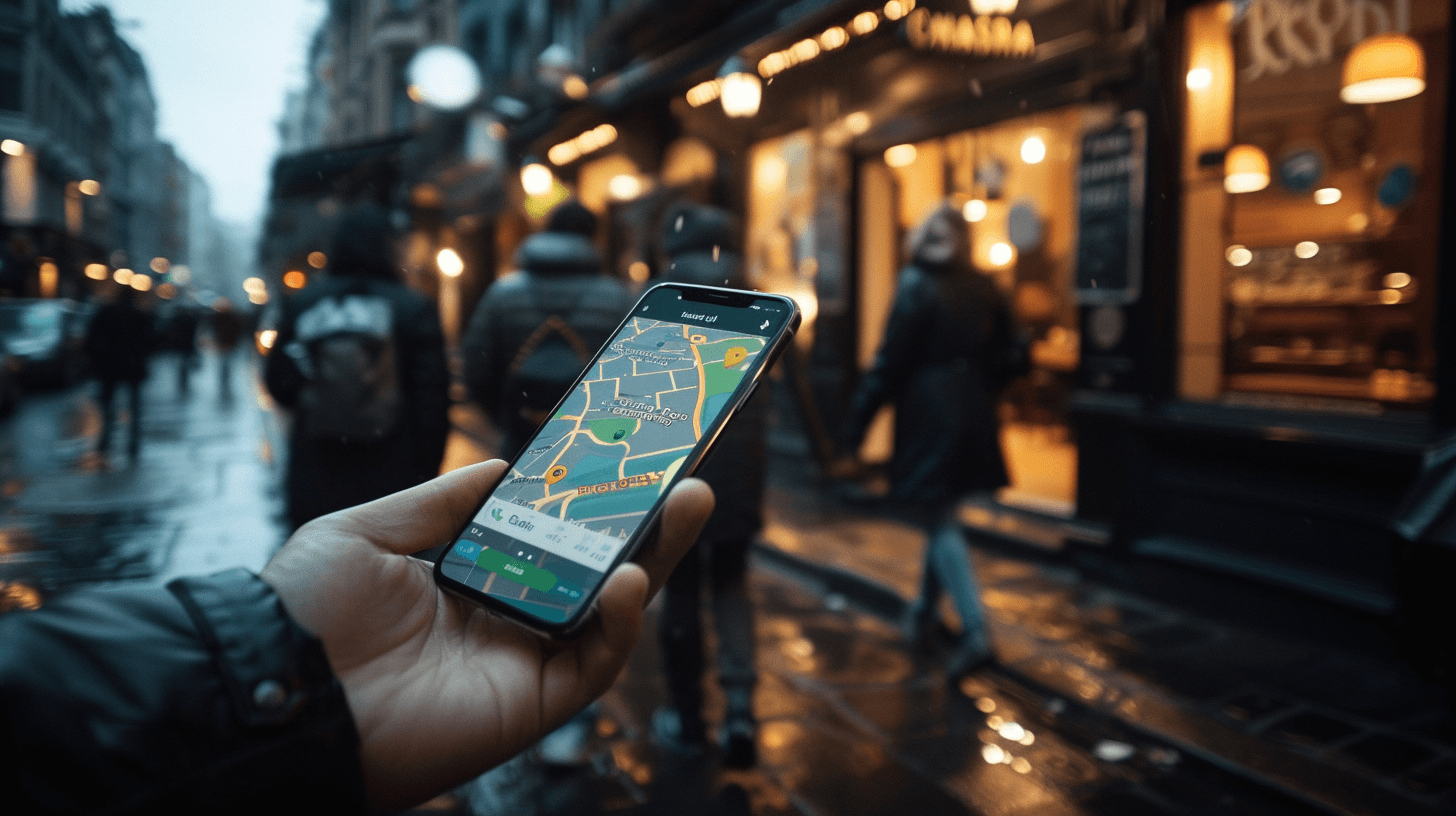
Most new guests start on their phones. Local search decides who they see—and whether they visit you today.
1) Nail the basics everywhere
Consistency: Match name, address, phone, hours on your site and Google Business Profile.
Links that work: Menu URL, reservation link, and order-ahead link should be live and fast.
Holiday updates: Publish special hours a week in advance.
2) Photos, categories, and posts
Add recent, natural-light photos (interior, signature dishes, patio/seasonal).
Choose the most accurate primary category (e.g., “Mediterranean restaurant”) and a few supporting ones.
Post weekly: specials, chef notes, events—with a link back to your site.
3) Reviews that build trust
Ask at the right moment (after a positive comment or a second visit).
Reply briefly to both praise and issues; never copy-paste responses.
Use feedback to update FAQs and menu notes (“Yes, we have GF pita on request”).
4) Make directions a “yes” button
Prominent Get Directions with a Google Maps link; mention parking details.
Add landmarks (“two blocks from the station”) and transit notes for busy nights.
5) Track what matters
Use UTM tags on your map listing links to see site visits, calls, and bookings driven by Maps.
Watch “direction requests” as a leading indicator of visits.
Compare weekdays vs weekends to plan staffing and specials.
6) Small advantages add up
Feature one signature dish in your cover photo.
Keep the first two sentences of your description crisp and keyword-smart.
Make sure your site loads fast on 4G—many guests are literally on the sidewalk.
Takeaway: Clear info + fresh photos + steady updates move you into more local results—and convert searches into seats.
CTA: Get directions • See what’s new this week