Jun 7, 2025
The Power of a Clean Online Menu
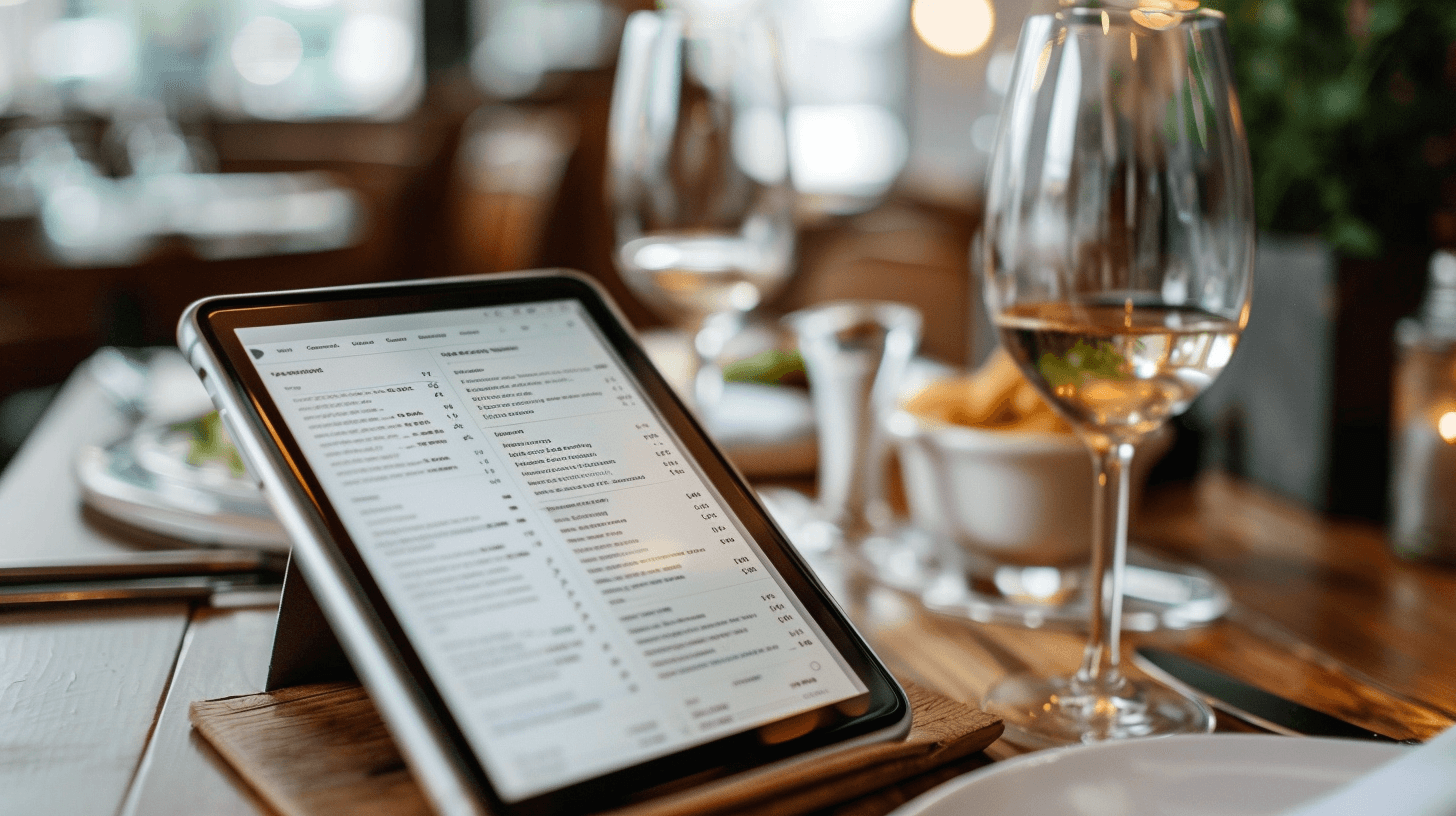
A tidy, searchable menu reduces decision friction and increases orders—online and at the table.
1) Structure that helps guests choose
Group by intent: Starters, Mains, Sides, Drinks, Kids.
Short lists: 6–10 items per section; hide rarely ordered dishes.
Labels: vegan, vegetarian, GF, spicy, contains nuts; add icons sparingly.
Plain English: one-line description with the one detail that sells the dish.
2) Photos that help, not distract
Use 3–6 true-to-life photos. Hero shot for signature dish; avoid stock imagery.
Keep file sizes small; add alt text like “Grilled salmon with lemon—gluten free.”
3) Real-time accuracy
Update seasonal items and prices immediately; show “sold out” instead of deleting.
Sync with print menus weekly; QR codes should link to this live page, not a PDF.
4) Filters & dietary confidence
Simple toggles: Vegetarian, Dairy-free, Nut-free.
Add an allergen note with a clear contact method for questions.
5) Menu markup & search
Add schema.org/Menu to help search engines understand your items.
Use descriptive dish names (“Roasted Cauliflower with Tahini”) over vague ones (“Cauliflower Special”).
6) What to measure
Top-viewed dishes and clicks on Order or Reserve.
Drop-offs on long sections—shorten if needed.
Search terms guests use (e.g., “gluten-free,” “kids menu”).
Takeaway: A clean menu removes uncertainty, speeds up choices, and builds trust—before guests even sit down.
CTA: Browse today’s menu • Order ahead